Saturday, March 30, 2019

Keyboard shortcut enables hidden split-screen functionality on the NVIDIA SHIELD TV

Android TV boxes for consumers aren’t exactly the most popular products out there (StrategyAnalytics estimates that 1 out of every 10 smart TV is Android TV-based), but they have a respectable amount of users. The NVIDIA SHIELD TV is one of the few products running the platform that has gained a lot of popularity in the community. The reasons for its popularity include the continuous software support (4 years of consistent updates since the 2015 model was released!) and the powerful Tegra X1 SoC, which is why the recent news about potentially new SHIELD accessories got so many users hyped up. Unfortunately, the underlying Android TV still needs room for improvement. One useful quality-of-life feature that’s available on other Android-based products, but is hidden away on Android TV, is split-screen functionality. We recently learned that one user found out how to activate it on the SHIELD TV.

It is unclear if this is intended functionality or if Google or NVIDIA accidentally left the input in the software. The nature of the functionality suggests to us that this should work on other Android TV devices, but we didn’t manage to get it working on the Xiaomi Mi Box S running Android 8.1 Oreo. For the feature to work, you will need a keyboard connected to the device via Bluetooth or a wire. You have two ways to enable split-screen:

  • Press Windows + ^ (CMD + ^ on Mac keyboard) to run the current app on the right side. The previous app will run on the left side.
  • Press Windows + $ (CMD + $ on Mac keyboard) to run the current app on the right side. The previous app will run on the left side.

Android TV has one limitation that might prevent you from launching the split-screen mode—it can’t detect 3 keystrokes. So, to run applications in split-screen, you will need a keyboard which has dedicated ^ and $ buttons, as Android TV won’t allow you to use Windows/CMD, Shift, and $/^ at once. Nevertheless, I think this is a feature that will help a lot of users. I’ve seen questions on forums around the Internet asking for a split-screen mode on Android TV boxes. As you’d imagine, these boxes are often connected to fairly big screen TVs, so it’d be great to run applications side by side.


Via: GeForce Forums

The post Keyboard shortcut enables hidden split-screen functionality on the NVIDIA SHIELD TV appeared first on xda-developers.

Galaxy Fold’s leaked code hints at possible Samsung Galaxy Tab S5 with Snapdragon 855

Samsung’s foldable smartphone with an Infinity Flex display, the Samsung Galaxy Fold, launches next month. It has two displays—one cover display for basic phone use and one main display that unfolds to give you a tablet experience. The device will be priced way out of reach for most consumers, but if you’re looking for a high-end tablet we have some exciting news to share. We’ve dug into a firmware dump of the upcoming Samsung Galaxy Fold and we found a reference to what we think may be the Samsung Galaxy Tab S5. Better yet, it may launch with the flagship Qualcomm Snapdragon 855 mobile platform.

A few weeks before the Samsung Galaxy S10 launched, Samsung announced the Samsung Galaxy Tab S5e. This was a mid-range tablet with the Qualcomm Snapdragon 670, but Samsung gave it a decent 10.5-inch Super AMOLED display, quad AKG-tuned surround sound speakers, One UI based on Android 9 Pie, and more. The device was called the Galaxy Tab S5because, like the Galaxy S10e, it’s a product that offers consumers the essentials at a lower price. A good enough display, a good enough processor, enough storage, and more.

If you were looking at the Galaxy Tab S5e to be the successor to the Galaxy Tab S4, then you were probably left disappointed. Samsung launched the Galaxy Tab S4 1 week before the Galaxy Note 9. The Galaxy Tab S4 is Samsung’s latest flagship Android tablet, although for a 2018 flagship Android tablet it was disappointingly paired with a 2017 flagship mobile platform—the Qualcomm Snapdragon 835. While it’s still the best Android tablet on the market, many were disappointed that the best Android tablet didn’t even have the best SoC that was on the market at the time. Samsung may be rectifying that with the Galaxy Tab S5, as the code we found suggests this 2019 tablet will have a 2019 flagship SoC.

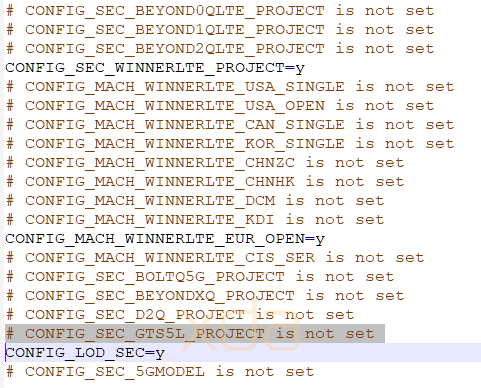
Our source pulled the defconfig, a Linux kernel configuration file, from their Samsung Galaxy Fold. The file lists code-names for many different Samsung-made Qualcomm Snapdragon 855 devices. Here’s a description of each code-name:

  • Beyond0QLTE – Samsung Galaxy S10e (Snapdragon)
  • Beyond1QLTE – Samsung Galaxy S10 (Snapdragon)
  • Beyond2QLTE – Samsung Galaxy S10+ (Snapdragon)
  • WinnerLTE_USA_SINGLE – Samsung Galaxy Fold (USA – Carrier?)
  • WinnerLTE_USA_OPEN – Samsung Galaxy Fold (USA – Unlocked?)
  • WinnerLTE_CAN_SINGLE – Samsung Galaxy Fold (Canada – Carrier?)
  • WinnerLTE_KOR_SINGLE – Samsung Galaxy Fold (South Korea)
  • WinnerLTE_CHNZC – Samsung Galaxy Fold (China Mainland?)
  • WinnerLTE_CHNHK – Samsung Galaxy Fold (Hong Kong)
  • WinnerLTE_DCM – Samsung Galaxy Fold (Japan – NTT Docomo)
  • WinnerLTE_KDI – Samsung Galaxy Fold (Japan – KDDI)
  • WinnerLTE_EUR_OPEN – Samsung Galaxy Fold (Europe – Unlocked). Note that this line is not commented out because our tipster pulled the file from a European Galaxy Fold, SM-F900F, code-named winnerlteeea for the 4g LTE Fold sold in the European Economic Area.
  • BoltQ5G – 5G Verizon modem
  • BeyondXQ – 5G Samsung Galaxy S10+ (Snapdragon)
  • D2Q – Unknown Samsung Snapdragon, but the “d” likely refers to “davinci,” the code-name for the Samsung Galaxy Note 10.
  • 5GModel – The 5G Samsung Galaxy Fold

Lastly, there’s “GTS5L.” The codename for the Samsung Galaxy Tab S2 is GTS2, the code-name for the Galaxy Tab S3 is GTS3L, and the code-name for the Galaxy Tab S4 is GTS4L. Thus, it makes sense for the Samsung Galaxy Tab S5 to be code-named “GTS5L.” The reason we think it runs on the Qualcomm Snapdragon 855 is that the defconfig we pulled defines the kernel configuration, and this particular one is for all of Samsung’s Snapdragon 855-powered devices. All Samsung has to do is uncomment the line for the GTS5L and choose the other parameters when they make the defconfig for the Galaxy Tab S5.

While there are no rumors of a launch date, if last year’s Galaxy Tab S4 launch is anything to go by, the Galaxy Tab S5 should launch a few weeks before the rumored buttonless Samsung Galaxy Note 10.

Featured image: The mid-range Samsung Galaxy Tab S5e.

The post Galaxy Fold’s leaked code hints at possible Samsung Galaxy Tab S5 with Snapdragon 855 appeared first on xda-developers.

The Nest Hub Max may be a Google-made 10″ smart display with a camera

Google entered the smart display market with the Google Home Hub. The 7″ LCD touchscreen on the Google Home Hub showed information cards with details to accompany Google Assistant‘s voice response, and it also allowed for new functionality such as viewing video feeds from Nest cams and use certain apps for certain actions. Google appears to be working on another smart display, as the company has inadvertently leaked its own announced product, the Nest Hub Max.

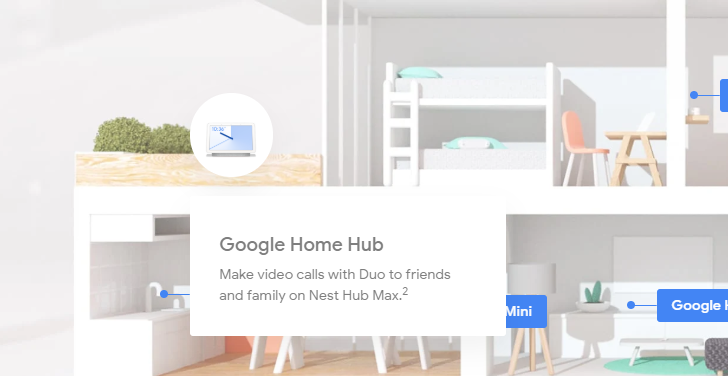
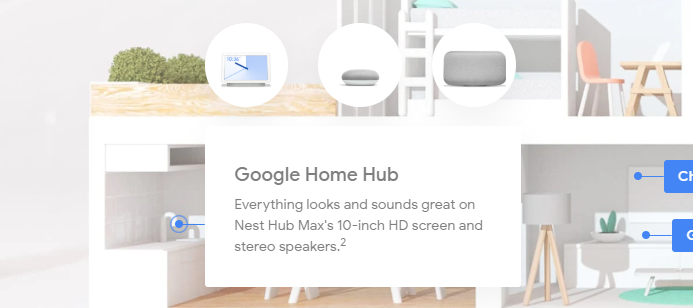
As reported by Android Police, the Google Store’s connected home page was updated with a small description of this unannounced smart display. The Google Nest Hub Max would reportedly feature a Nest camera, a 10″ HD display, and a stereo speaker setup. This would mark an upgrade over the existing Google Home Hub, which lacks camera functionality, making it quite useless for video-calling needs. The Nest Hub Max would reportedly also incorporate Nest’s surveillance capabilities.

The webpage only contained text descriptions, and no product images, pricing information or release dates. We are unable to see the same set of images when following along the link, so it is likely that Google has pulled back this change. We’ll keep our readers updated when new information is available for this upcoming product.


Source: Android Police

The post The Nest Hub Max may be a Google-made 10″ smart display with a camera appeared first on xda-developers.

Google Assistant may get integrated with Google Chrome for Android

Google Chrome for Android is one of Google’s signature products, coming preloaded on so many Android devices, and becoming the browser of choice for so many users. Another one of Google’s recent signature products is Google Assistant, the AI and machine-learning powered virtual assistant that is contextually intelligent. Assistant has made its way into several Google products, and according to recent code changes to Chromium, Assistant will now be making its way to Google Chrome too.

9to5Google spotted new code in the Chromium gerrit which were marked as being “for internal review”, and reportedly revealed a demo of the Google Assistant using context to recommend an action and automatically performing it in Chrome for Android. The code has since been pulled down, but 9to5Google managed to save a part of the code:

public void triggerGoogleIOStuff(String message) {
    mDetailsCoordinator.triggerGoogleIOStuff(message);
    if (message.equals("Here we go") || message.equals("Ready to reserve?")) {
        mCarRentalView.setVisibility(View.VISIBLE);
        mCarRentalContactView.setVisibility(View.GONE);
    } else if (message.equals("Filling in your details")) {
        mCarRentalView.setVisibility(View.GONE);
        mCarRentalContactView.setVisibility(View.VISIBLE);
    } else {
        mCarRentalView.setVisibility(View.GONE);
        mCarRentalContactView.setVisibility(View.GONE);
    }
}

The code appears to trigger a visual mockup of an upcoming integration, rather than being a completely functional, rollout-ready feature. This would serve the needs of the main keynote presentation, where only a small demo of the upcoming functionality would be required.

Based on the rest of the code, 9to5Google noted that Google Assistant will know about an upcoming trip to Chicago, and accordingly, Chrome will display a card from Assistant. This card will offer booking suggestion for the trip from a popular website. If you would choose to act on the proposal, details of your trip, such as travel dates and routes, will be autofilled into the website. The source even suggests that editing the trip would be made possible from within the Assistant.

Since Google I/O 2019 is still quite some time away, the demo may change its finer, specific details. But the upcoming integration between Google Assistant and Google Chrome is definitely something we should be keeping an eye out.


Source: 9to5Google

The post Google Assistant may get integrated with Google Chrome for Android appeared first on xda-developers.

Friday, March 29, 2019

Download the Huawei P30’s wallpapers and EMUI 9 themes

The Huawei P30 and Huawei P30 Pro were launched a few days ago, bringing over a decent level of upgrade from the previous generation and offering a great set of features for a good, albeit still expensive, price tag. Other OEMs have made us accustomed to the rising prices of flagships, and since the new P30 lineup does pack in some impressive technology, the high pricing is just a little easier to digest.

Huawei P30 XDA Forums Huawei P30 Pro XDA Forums

However, the high pricing of these overkill flagships effectively means that a lot of consumers will not immediately jump at the opportunity to upgrade to them. This shouldn’t stop you from using the Huawei P30’s wallpapers and EMUI 9 themes on your own device. XDA Recognized Contributor DarkJoker360 has shared the new wallpapers and themes from the latest Huawei flagship, allowing them to be sideloaded onto compatible devices.

Download Huawei P30 Wallpapers

The wallpapers shown above are in a compressed form. You can download the uncompressed images from the download button below. All the wallpapers are 2340 x 2340 in size. To use the wallpapers, simply download the zip from the link, extract it to a convenient location and follow the steps of your launcher to set the wallpaper, which is usually a long press on the homescreen, selecting the “Wallpaper” option, choosing the “Pick Image” option and selecting the desired image.

Download Huawei P30 Wallpapers

Download Huawei P30 Themes

The themes for the device are intended for use on devices running EMUI 9, and hence, are in .hwt format. You can download all the themes from the download button below. Once downloaded, extract the themes on your compatible Huawei/Honor, place the .hwt file in the /Themes folder (create one if it does not exist on your internal storage), and open up the in-built themes app. The newly extracted themes should appear within the app, so you can now select the one that you want to apply.

Download Huawei P30 Themes


Note: Huawei has stopped providing official bootloader unlock codes for its devices. Therefore, the bootloaders of their devices cannot be unlocked, which means that users cannot root or install custom ROMs.

The post Download the Huawei P30’s wallpapers and EMUI 9 themes appeared first on xda-developers.
Download the Samsung Galaxy Fold’s wallpapers and video live wallpapers

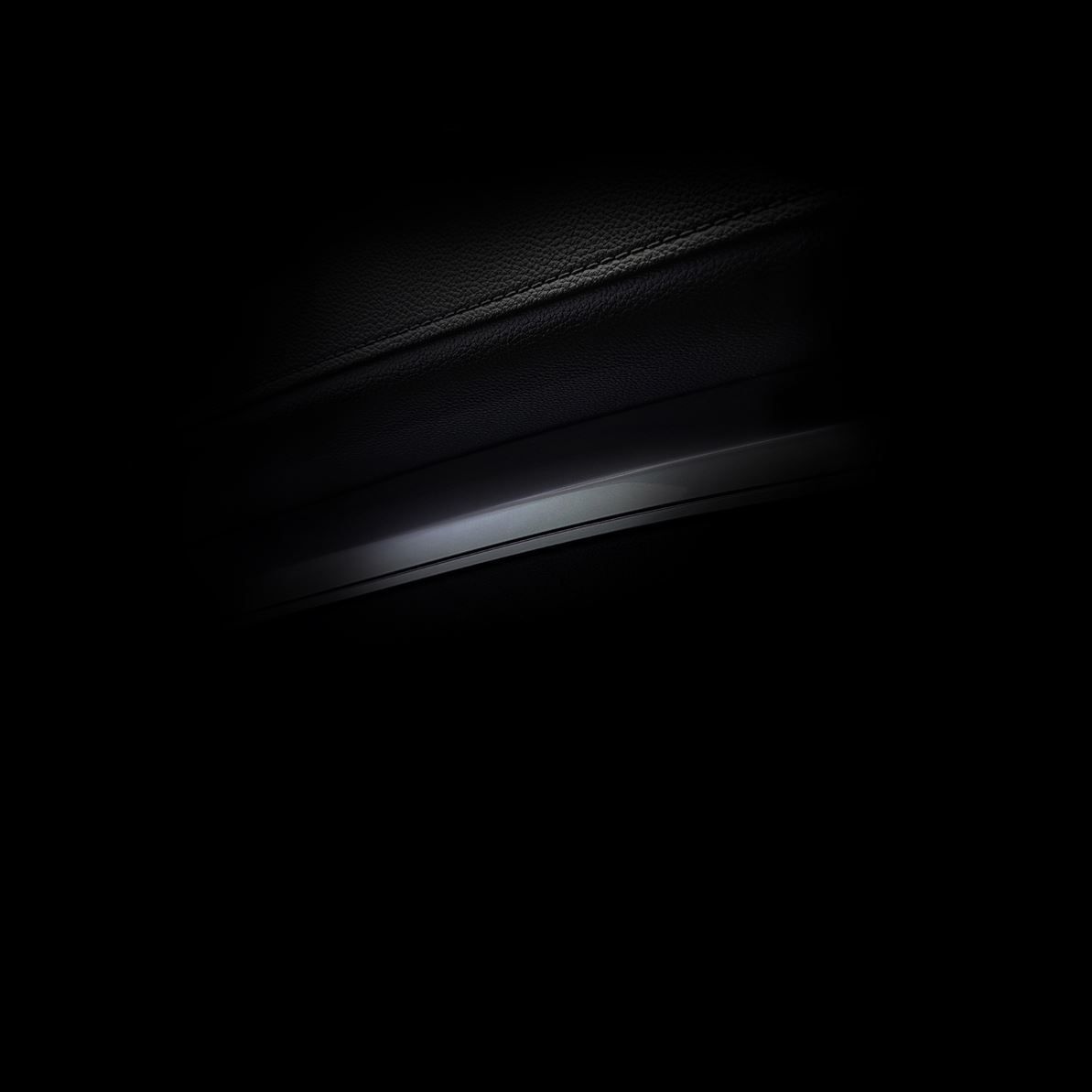
The Samsung Galaxy Fold launches in Europe next month. Although we know most of the device’s specifications, Samsung never allowed the press to get their hands on the device at its launch event. Fortunately, one of our sources managed to get their hands on the device a bit early and has shared a trove of information with us. They also shared a dump of the Galaxy Fold’s firmware with us, which we used to grab the wallpapers. Most of these wallpapers have been shared online before, but there are a few that are new. In any case, here are all the wallpapers from Samsung’s upcoming foldable smartphone.

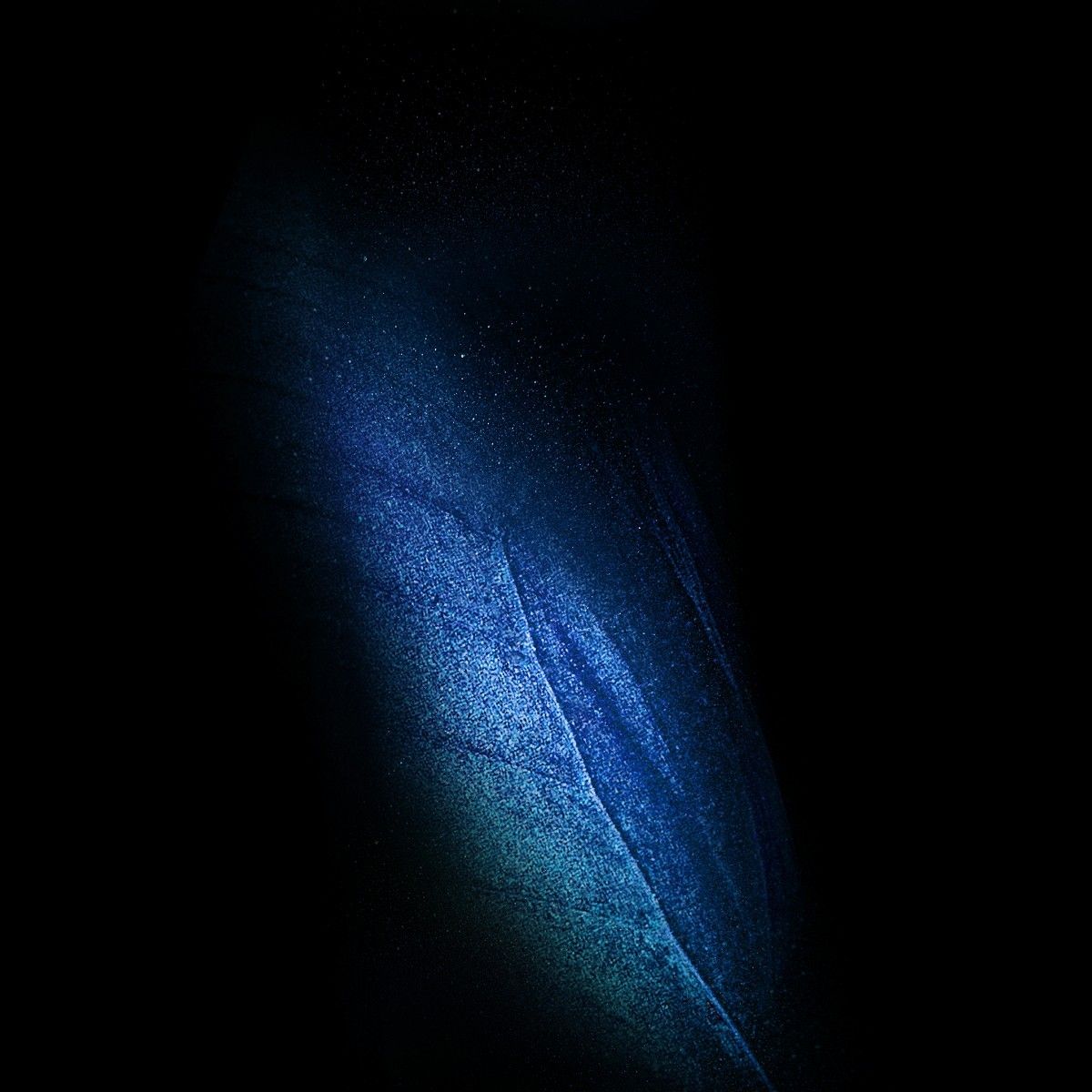
The above wallpapers are all in the butterfly and leaf form for the folded and unfolded screen. The center hinge of the foldable smartphone should line up with the middle of the butterflies. The leaves are for the cover display of the phone while it’s folded. There are 14 wallpapers in total, each at a resolution of 2152×2152.

There are also a few video wallpapers included for the lock screen. Every time you unlock your phone, the butterfly will flap its wings. These video wallpapers are designed for the Galaxy Fold but should work on most Samsung phones running Android 8.0 Oreo and above. There are four different colors of the butterfly for each color of the Galaxy Fold.

You can download these wallpapers from Android File Host and unzip the file to choose which one you want. The wallpapers embedded above are compressed, so for the uncompressed versions, the download is a must.

Download Samsung Galaxy Fold Wallpapers and Video Wallpapers

The Samsung Galaxy Fold will launch on April 26th in the United States and South Korea and on May 3rd in Europe. Pre-orders will start on April 26th for Europe, while American pre-order dates have yet to be announced. It will cost $1980 for the 4G LTE model with 12GB RAM and 512GB of UFS 3.o storage. Samsung also announced that a 5G model of the Galaxy Fold will be coming, but we don’t know when that specific model will launch.

Samsung Galaxy Fold Forums

Our previous firmware analysis revealed that Samsung is developing firmware builds for Sprint, Verizon, AT&T, T-Mobile, Boost Mobile, and Virgin Mobile in the United States. In Europe, the Fold will be equipped with the Qualcomm Snapdragon 855 and not the Exynos 9820 like the European Samsung Galaxy S10. Finally, we have found evidence that Samsung is working on Fold models for Canada, Japan, the Commonwealth of Independent States, and Serbia.

The post Download the Samsung Galaxy Fold’s wallpapers and video live wallpapers appeared first on xda-developers.

[Update: Video] Substratum Lite launches with a faster, smaller, and more stable experience

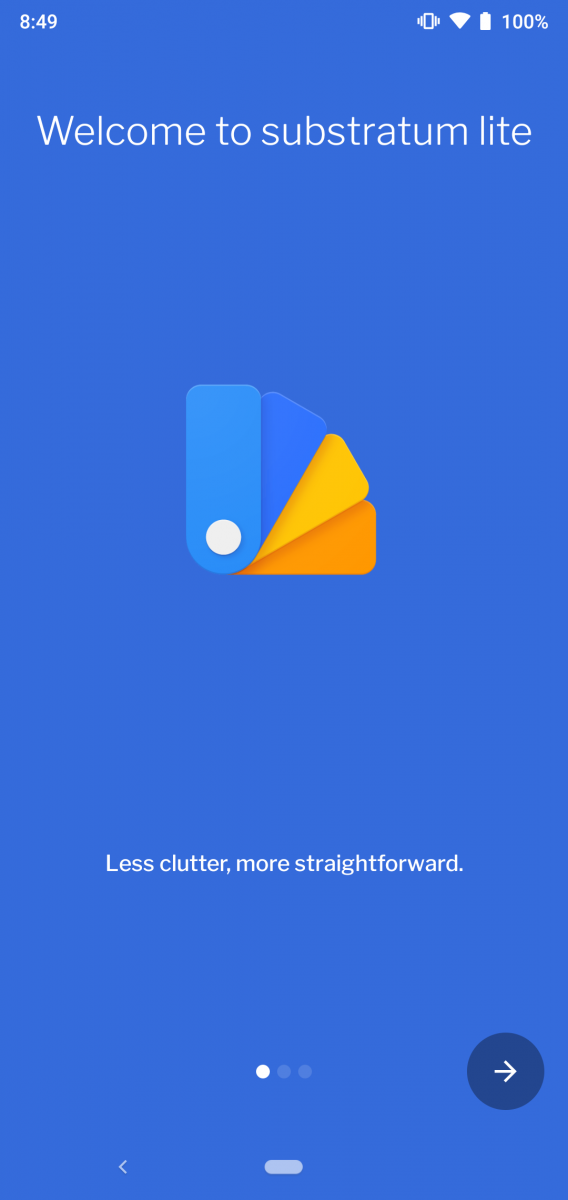
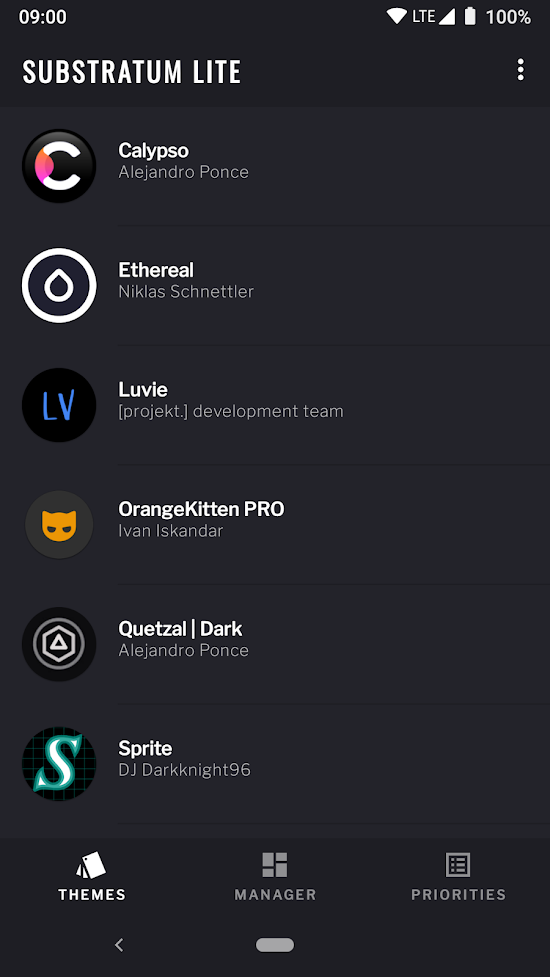
Substratum Lite is the newest release from Projekt and they’re billing it as the “most essential features, in a light package.” This new version aims to be faster, smaller, and more stable, plus it already supports Android Q (in preview). The development of Substratum Lite was lead by Ivan Iskandar, one of the Substratum developers.

For those that don’t know, Substratum is used to theme system apps and 3rd-party apps. A lot of apps, like Snapchat and Instagram, come with a very bright white design, which some people don’t like. Substratum helps change that to be anything you want. It does more than apps just though; it also helps change the System UI and framework elements. You can theme almost any part of the software with Substratum.

This new Substratum Lite update is very similar to the “full” Substratum. It still supports theming all parts of the UI, but it’s faster, more stable, and the app size is smaller. The update was described to me as “Telegram to Telegram X,” the same functionality but one app is much more stable and smaller. One downside is that most themes made for the older version of Substratum won’t be compatible with the new Substratum Lite even though there is a legacy mode.

Another downside of Substratum Lite is it lacks Samsung Sungstromeda support. This was due to the lack of compatibility and stability with Samsung’s One UI update for Android Pie. Samsung changed around how themes work and it could cause a lot of issues with the new Substratum Lite. Never fear though, the older and original Substratum still works perfectly with Samsung devices on Android Pie.

Substratum Lite is a nice update that improves upon the current Substratum functionality. Hopefully, more theme developers will hop onboard the Substratum Lite train and add support for their themes. To see if your device can run Substratum Lite, check the compatibility for theme system support below:

  • Stock Android Pie: Compatible with rooted (only Magisk) devices.
  • Stock Android Oreo: Compatible with rooted (only Magisk), unrooted, and select Samsung devices. For unrooted and Samsung devices, Andromeda Server version 30+ is needed.
  • Stock Android Q Beta: Compatible with rooted (only Magisk) devices. (This is only a preview feature, it may not work in the future)
  • Substratum Service: Requires an Android Oreo or Android Pie custom ROM with Substratum Service included.

substratum lite theme engine (Free, Google Play) →

The post [Update: Video] Substratum Lite launches with a faster, smaller, and more stable experience appeared first on xda-developers.