Sunday, September 2, 2018

TWRP adds decryption support for Google Pixel & Pixel 2 on Android Pie

TWRP Xiaomi Mi Mix 2, Motorola Moto E4 Plus, and Telekom Puls, Sony Xperia X, Sony Xperia X Compact, Moto E4, Xiaomi Mi Note 3

TWRP is the most popular custom recovery thanks to the huge number of devices it supports and the features it offers like full backups and restores, touch support, slot selection, and more. TWRP has been the go-to recovery for those interested in modding their smartphones. Whether you qualify as a newbie in the flashing scene or as an experienced flashaholic, you’ve almost certainly used TWRP at some point. The custom recovery isn’t perfect on every device, however, as Android updates may bring changes to the kernel, ramdisk, encryption algorithms, etc. that require TWRP to adapt. For instance, data decryption wasn’t working on the Google Pixel or Google Pixel 2 running on Android Pie.

If you have a Google Pixel device, you likely have a PIN or password on your device to secure your phone. If you wanted to make a backup or flash a file stored on your internal storage, you would have to remove the PIN or password before booting into the recovery so encryption would be disabled. Fortunately, Dees_Troy, the lead maintainer of the custom recovery, has announced that the issue has been fixed. Version 3.2.3-1 of the custom recovery is now able to decrypt the data partition after entering the PIN or the password set on the device. The new version is available for Google Pixel, Pixel XL, Pixel 2 and Pixel 2 XL.

You can download and install the newest version of TWRP from their official website, linked below, or by using the official app.

Visit the official TWRP website

Official TWRP App (Free+, Google Play) →


Source: Dees_Troy (Google+)

LG G5 Android Oreo update begins rolling out in Korea

LG G5 Android Oreo

LG promised that their investment into a software update center would result in faster updates for their devices. With many LG devices over the past few months getting updates to Android Oreo, the two-year-old LG G5 is next in line, at least in South Korea. Although Android Pie is already out, it’s better late than never for LG to release an update to one of their older flagship devices. You get a ton of new features in the update to Android Oreo anyway such as picture-in-picture mode, notification channels, background app optimizations, notification snoozing and more.

When the update will make its way further west is yet to be seen, as at the moment it’s only available in South Korea according to user reports on our forums. As far as we can tell, the update hasn’t officially been announced by the company either. Still, we know it’s on the way and devices are already getting it at the moment. Only time will tell when devices outside of Korea will get the update.

LG doesn’t have a great reputation when it comes to updating their older devices, but it’s possible that may change if they continue to update their devices. We can only hope that their software support improves for upcoming devices like the LG V40, LG G7 One, and LG G7 Fit.


Source: XDA Recognized Developer autoprime on our LG G5 Forums

Saturday, September 1, 2018

Chrome Remote Desktop update adds notch support in Android Pie and resize-to-fit

Chrome Remote Desktop adds Android Pie support

While Android smartphones and tablets have replaced desktop and laptop PCs for many functions, there are still many areas where it’s preferable to use a PC with a desktop OS. If you’re outside with only your smartphone or tablet and you need to urgently access your PC, you can use a remote desktop solution like Microsoft Remote Desktop, TeamViewer, or Google’s Chrome Remote Desktop. Google’s solution requires you to have Google Chrome with the Chrome Remote Desktop extension installed on your PC while on the Android side, you need to install the Android app to access your PC.

The Android app was last updated back in September 2017 with support Android 8.0 Oreo, but an upcoming update will bring support for devices with display cutouts (ie. notches) in Android Pie as well as a resize-to-fit option. Although the updated Android app hasn’t rolled out on the Google Play Store yet, we found the changelog for the upcoming update on the Chromium Gerrit.

<message name="IDS_PLAY_STORE_CHANGES" desc="List of what's changed in this release of Chrome Remote Desktop for Android. [CHAR-LIMIT=500] [NAME=play_store_changes]">
• Added support for Android 9.0 Pie.
• Support for resizing remote desktop resolution to match your Android device's screen.
</message>

Judging by the changelog and the other commits, Android Pie support means the app will allow the remote desktop area to extend into the notch area and allow the user to zoom and pan when interacting with the notch area. The other interesting feature that’ll make the remote desktop experience more enjoyable is the option to adjust the desktop resolution so that the screen contents fit better on your Android device.

Once the update rolls out, you’ll find it on the Google Play Store at the link below. I rarely use Chrome Remote Desktop, but I’m looking forward to seeing how well the resize-to-fit option works.

Chrome Remote Desktop (Free, Google Play) →

EMUI 9 beta based on Android Pie is here for the Huawei Mate 10, Huawei P20, Honor 10, Honor View 10, and Honor Play

huawei notch

At IFA, Huawei unveiled EMUI 9 based on Android 9 Pie and announced that the beta program would go live today. EMUI 9 beta is available for the Huawei Mate 10/Pro, Huawei P20/Pro, Honor 10, Honor View 10, and Honor Play. The beta program opened up for limited numbers of users per country. Here’s what you need to know.

What’s new in EMUI 9

The gist of the update is that it brings a more streamlined user interface (fewer menus to go through) with an updated design. There’s also going to be a new gesture-based navigation system (which is distinct from Google’s default implementation in Android 9 Pie), but this new gesture control system isn’t yet available in the beta. Furthermore, Huawei has implemented their own take on Google’s Digital Wellbeing with parental controls built-in.

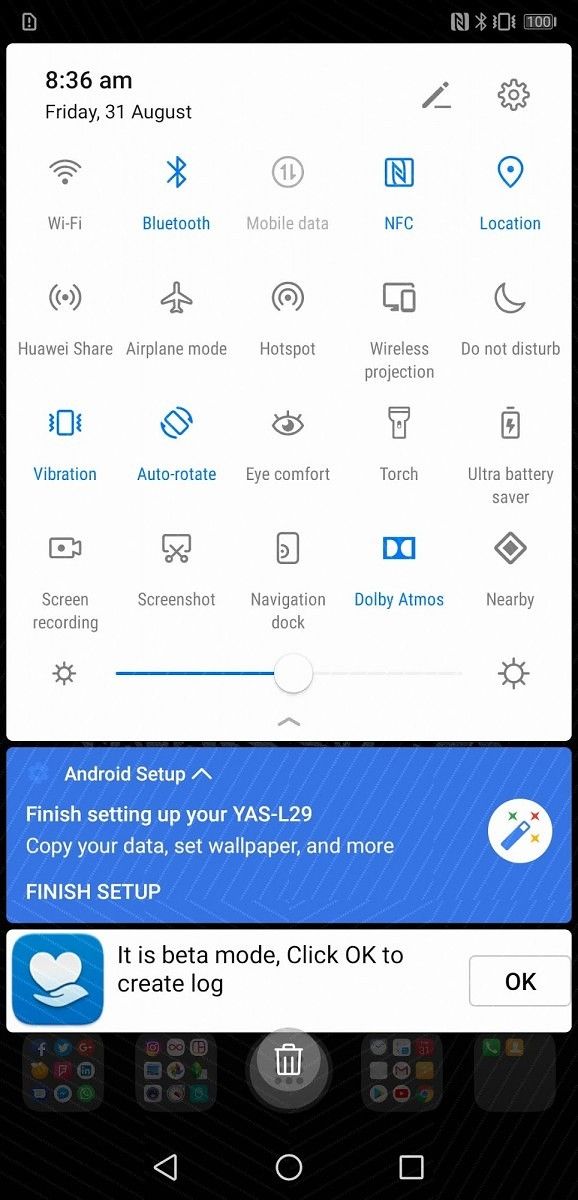
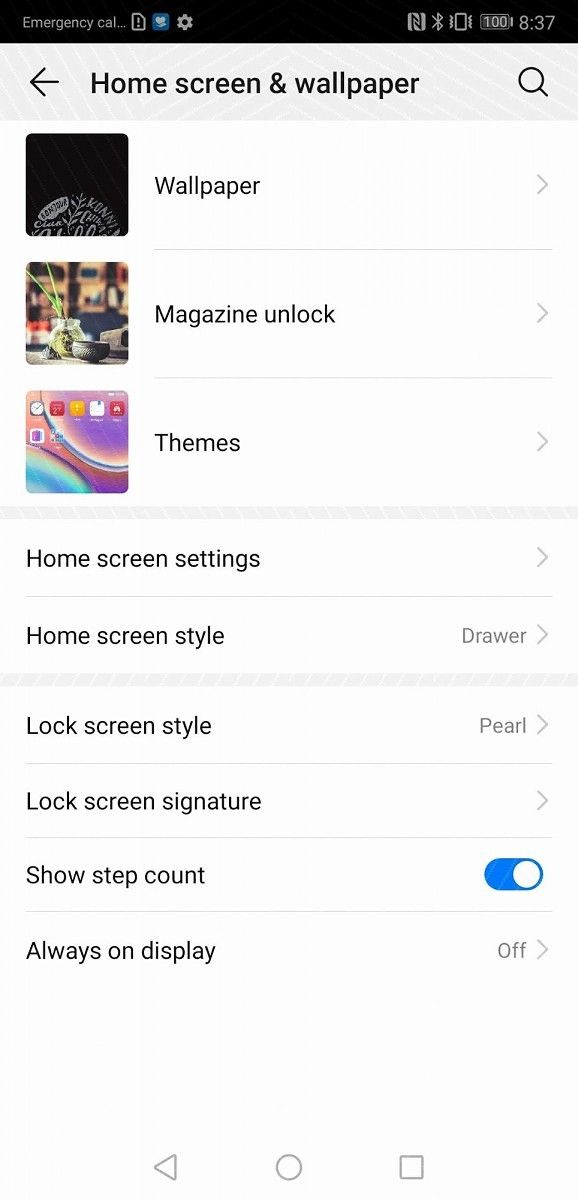
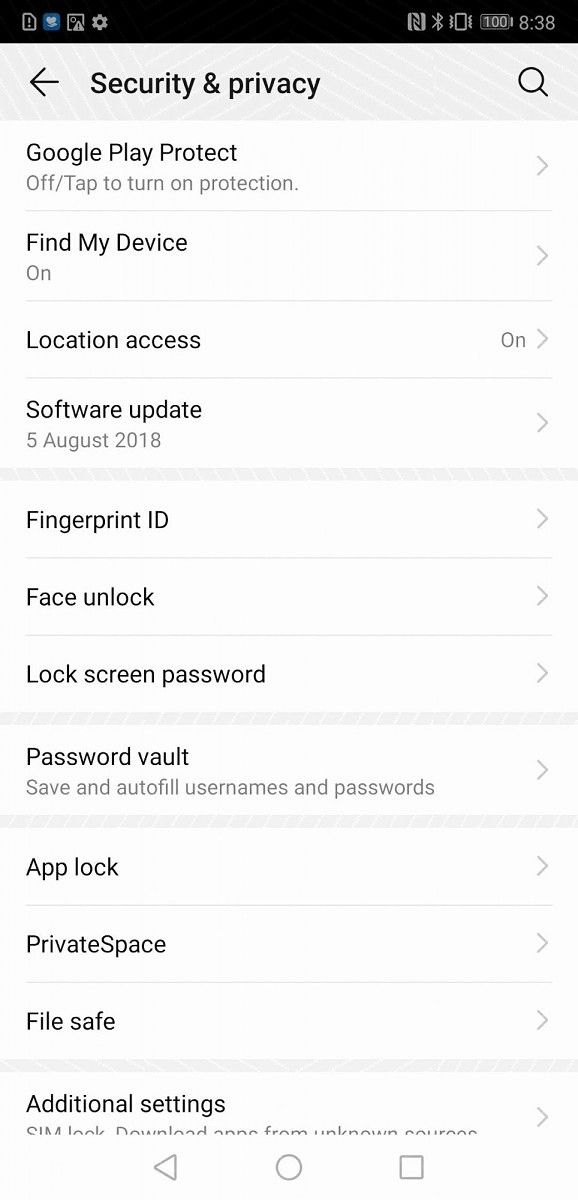
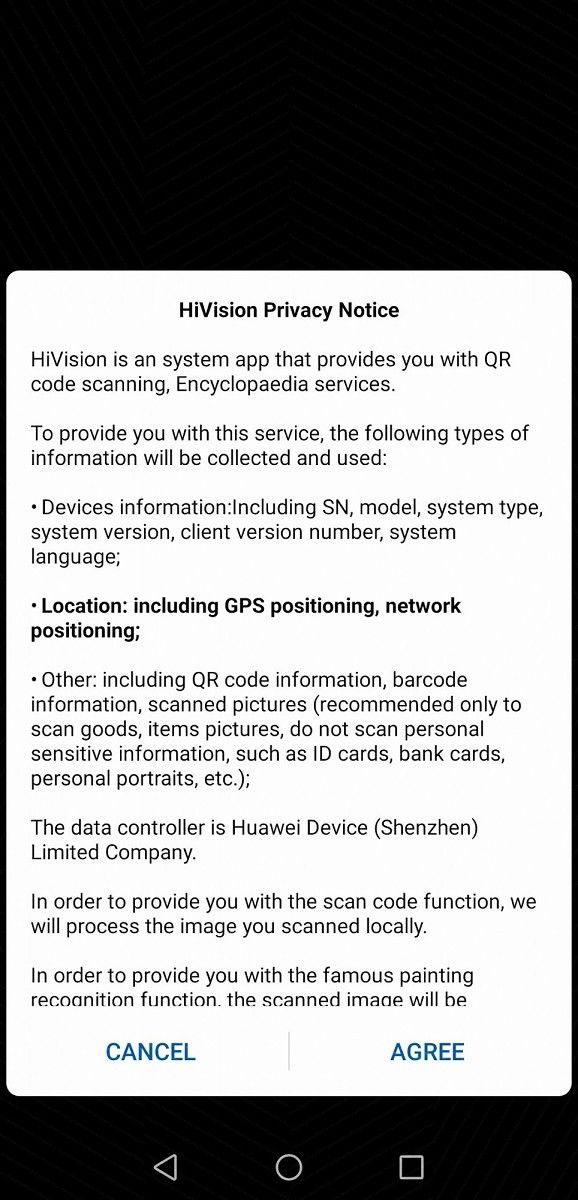
There are other optimizations in the software that supposedly improve performance as well as “GPU Turbo 2.0,” but we can’t really tell you how much the performance has really improved. The best way for you to find out is to update yourself and play around with it. In any case, here are some screenshots of the new user interface.

Many thanks to FunkyHuawei.club for the screenshots!

EMUI 9 beta based on Android Pie EMUI 9 beta based on Android Pie EMUI 9 beta based on Android Pie EMUI 9 beta based on Android Pie EMUI 9 beta based on Android Pie EMUI 9 beta based on Android Pie EMUI 9 beta based on Android Pie

Of course, other standard Android 9 Pie platform features are also included with the release. Those include, but are not limited to:

  • App Actions and Slices API – the former API allows apps to show predictive actions while the latter allows apps to show a part (“slice”) of their UI inside of another app
  • Adaptive Battery – with App Standby Buckets, Android limits power consumption for the apps that you don’t use all that often

Sign-up for EMUI 9 beta based on Android 9 Pie

To be eligible for the beta, you must own one of the following devices:

If you own any of these devices, here’s how to sign up for the beta:

  1. Go to Huawei’s Friendly User Test (FUT) website.
  2. Download the beta app.
  3. Sign up for an account if you haven’t already
  4. Go to Personal –> Join project
  5. Find the EMUI 9 beta program and sign up

Updating to Android 9 Pie unofficially?

There are reportedly only 100 slots available for each country in the official beta test. That’s a big bummer considering how many people own these devices. If you would rather not wait to grab the update, FunkyHuawei.club managed to grab the beta update for the listed devices though there’s no guarantee the update will work. (The screenshots I posted were from a user who installed the beta on his P20 Pro.)

We wish Huawei had not closed down their bootloader unlocking program. There is an abundance of Android 9 Pie custom ROMs available that work on many Huawei and Honor devices. Given that few users will be eligible for the EMUI 9 beta, flashing a custom ROM or updating unofficially would be the only way for most users to experience Android Pie without having to wait months for the official release. Be sure to follow the XDA forum for your particular device as users figure out how to get the latest update unofficially.

Magisk v17.1 released with better Android Pie and A/B device support

magisk v17.1

When it comes to rooting your Android smartphone, everybody points to Magisk by XDA Recognised Developer/Recognised Contributor topjohnwu as the best place to get started. It’s one of the easiest ways to root your Android smartphone, and it has full support for Magisk Modules too. These modules allow you to systemless-ly replace files on your device’s /system partition. The biggest selling point for Magisk came about as a means to hide root from SafetyNet. This enabled users to play games like Pokemon Go even when their phone was unlocked and rooted.

Magisk v17.1 has now been released to have better support for A/B partition devices and smartphones running Android Pie. That’s not all either, as Magisk v17.1 also supports the Samsung Galaxy S9, Samsung Galaxy S9+ and the Samsung Galaxy Note 9. You can check out the full changelog below.

Note: grab Magisk v17.1 and not v17.0. v17.0 caused bootloops on certain devices.

  • [General] Bring back install to inactive slot for OTAs on A/B devices
  • [Script] Remove system based root in addon.d
  • [Script] Add proper addon.d-v2 for preserving Magisk on custom ROMs on A/B devices
  • [Script] Enable KEEPVERITY when the device is using system_root_image
  • [Script] Add hexpatch to remove Samsung defex in new Oreo kernels
  • [Daemon] Support non ext4 filesystems for mirrors (system/vendor)
  • [MagiskSU] Make pts sockets always run in dev_pts secontext, providing all terminal emulator root shell the same power as adb shells [MagiskHide] Kill all processes with same UID of the target to workaround OOS embryo optimization
  • [MagiskInit] Move all sepolicy patches pre-init to prevent Pixel 2 (XL) boot service breakdown

And on top of all of those features, it also hides root to sub-services of applications as well. Root loss from a repackaged MagiskHide has also been fixed, so you shouldn’t run into those issues either. It’s basically one huge bug fix update that smoothens out the whole process of your rooting your Android smartphone. That’s where A/B support comes in as well, as now you’ll actually be able to retain your Magisk installation. A full guide is available on its GitHub here so that you can update without losing root access.

If you have already updated and are stuck in a bootloop, simply flash the uninstaller and update to version 17.1. These bootloops were caused by a database incompatibility issue coming from version 16.0, so uninstalling and reinstalling Magisk is really the only option. Other notable additions include the reintroduction of the SafetyNet checker in Magisk Manager, along with a new module template because of conflicts with File Based Encrypted (FBE). Of course, there are also a ton of bug fixes and improvements under the hood, but these are all of the main changes. You can check out the thread to download it below!

Download Magisk v17.1

What features are you looking for in your next smartphone?

Upcoming Android smartphones from Xiaomi, Motorola, OPPO, Google, Samsung, Huawei, and more

So you’re getting a new phone? You want one that has all the latest specs, a good screen, superb camera, and everything else. But then you realize that all of the flagships have them. Well, to be fair, that’s why they’re called flagship devices. So you start looking for some unique, special features that actually differentiate these phones. What are these features for you?

For some, it might be a necessity that the phone must have a Qualcomm’s Snapdragon system-on-chip, rather than HiSilicon Kirin or Samsung Exynos. Maybe you like when the SoC lets you mod your smartphone to your liking because kernel source codes are almost always available. Or, you may like how efficient Exynos processors are. Actually, Samsung is permitting unlocking the bootloaders on Snapdragon variants of their devices in certain markets. Or, maybe you like the innovative technology HiSilicon brings, like the first commercially available 7nm SoC. Some couldn’t even care less about the manufacturer of the system-on-chip, because at the end of the day, all of them will do their jobs.

What about the software? Do you want your phone to have the latest and greatest Android software out of the box? Are you okay with the outdated software as long as it works? Odds are, you really want your phone to at least have Android 8.1 Oreo, because, well, that’s what XDA is all about. I noticed that some people don’t even know which version of Android their desired phone is running.

Once those features are out of way, we get to the new trends. Do you mind the big notches that some of the phones offer? Or, are you one of those people (like me) who’s going to buy the Pixel 3 over the Pixel 3 XL just because that it doesn’t have a notch? Well, maybe you don’t mind the notch, but there must be limits. Essential’s notch is very small and you don’t lose much of the screen’s real estate. But, keep in mind that notches usually also reflect on the aspect ratio of the devices. Old, traditional 16:9 display may be a necessity for you, over the new 18:9 and other standards.

Now, granted, almost all of the flagships have great cameras, but most of them do it differently. Some of them go with the dual-camera system, while both of the cameras have OIS one of them is used for cool bokeh effects. Some go with the triple-camera systems to add some crazy features like 40 MP photos. And, fortunately, some OEMs like to keep the amazing camera quality, while only having a single lens. They mostly do that with their software, which plays a big role in processing photos. Most users, again, like me, don’t even care how many lenses the phone has, as long as it produces good results.

Speaking of cameras, you may also like the new trend of pop-up cameras. Currently, only a handful of mostly Chinese smartphone manufacturers use this method for hiding their cameras. Some may think that it is a really convenient feature, as it also helps you stay more secure while giving the OEM an ability to remove the hideous notch. The OPPO Find X, Honor Magic 2 and Xiaomi Mi Mix 3 have quite big pop-up mechanisms, while the Vivo Nex has a very small one. I personally think that while they’re cool, I would still prefer a little bezel on the top, at least while pop-up cameras are considered as a bleeding-edge technology. Do you agree with me or do you prefer pop-up cameras?

And what about the fingerprint scanner? Some manufacturers, like OnePlus, Google, and Samsung like to put them on the rear panel of the device recently. It’s easier to reach out while you’re holding the phone unless the device is really big, or the scanner is positioned poorly. Other manufacturers, like Huawei and Moto, sometimes put the fingerprint scanner on the front, at the bottom bezel. They’re usually convenient as it’s a two-in-one system having the functionality of both the fingerprint scanner and the home button. But, recently, OEMs have been trying to put fingerprint scanners under the display of the device. While they’re usually a little bit slower and almost always harder to implement, it’s really a cool concept. But, again, just like the pop-up cameras, it’s really a bleeding-edge tech, so you may not like it at all.

So, the question is: what features are you looking for in your next smartphone? We described a couple of them, but there’s a chance that we missed some. On the top of my head, I can think about microSD card and dual-sim support, front-facing speakers, stylus availability, squeezable edges, and so on. Make sure to tell us in the comments what is a necessity for you when considering a new phone.

Who said IFA 2018 isn’t about phones? | #PNWeekly 320

It’s currywurst time! Well, for everyone that’s in Berlin. Here in North America, we’re left to be content discussing the nine, count’em, NINE phones that launched at IFA! And most of them came out before IFA officially began!

Does BlackBerry hold an icon that everyone wants? Is Honor playing in the big leagues now? Is HTC shrinking away from us further? Does an Android One push make sense for LG and Motorola? How does Sony do with its first OLED mobile phone? And is there vengeance for ZTE after months of dormancy?

Well, we have specs and a few bits of other info. Let’s talk about it. This is the Pocketnow Weekly.

Watch the YouTube video recorded at 2:00pm Eastern on August 31st or check out the high-quality audio version right here or through Apple, Google, our RSS and wherever you get your podcasts. Talk back live while you’re watching the show on Twitter with #PNWeekly and shoot feedback to the hosts at podcast@pocketnow.com!